
Nano Banana
Keep the idea, change the picture. Start from a description or bring an image and explain what to replace, restyle, or leave untouched.
Try Nanobanana Now
Try these prompts to see what NanoBanana can create from text
Image Requirements:
Output Format
Image Size / Aspect Ratio
Sign Up To Get Free Credits!
Nanobanana Result
Image generation takes ~1 minutes. Please don't close this tab while generating.
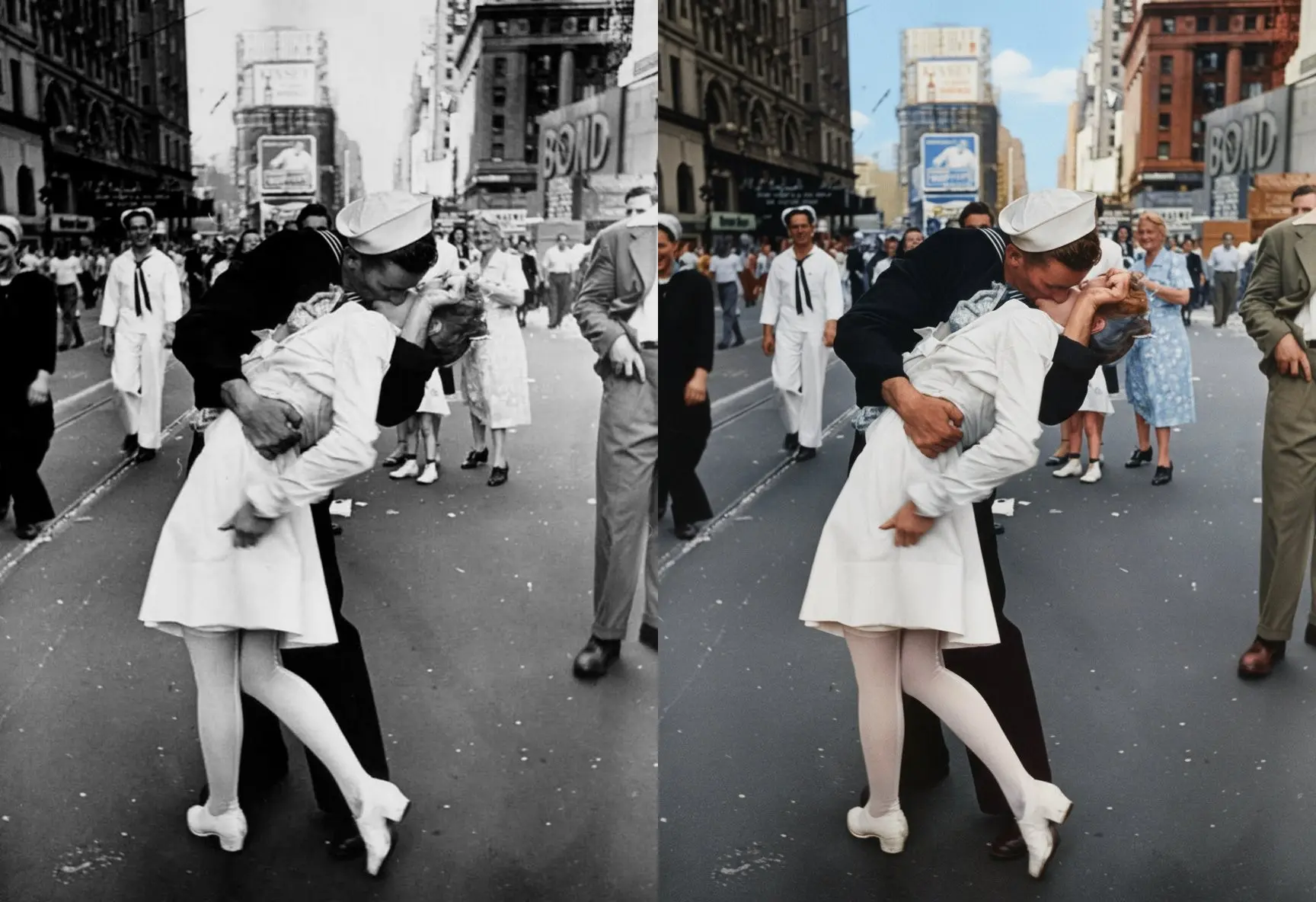
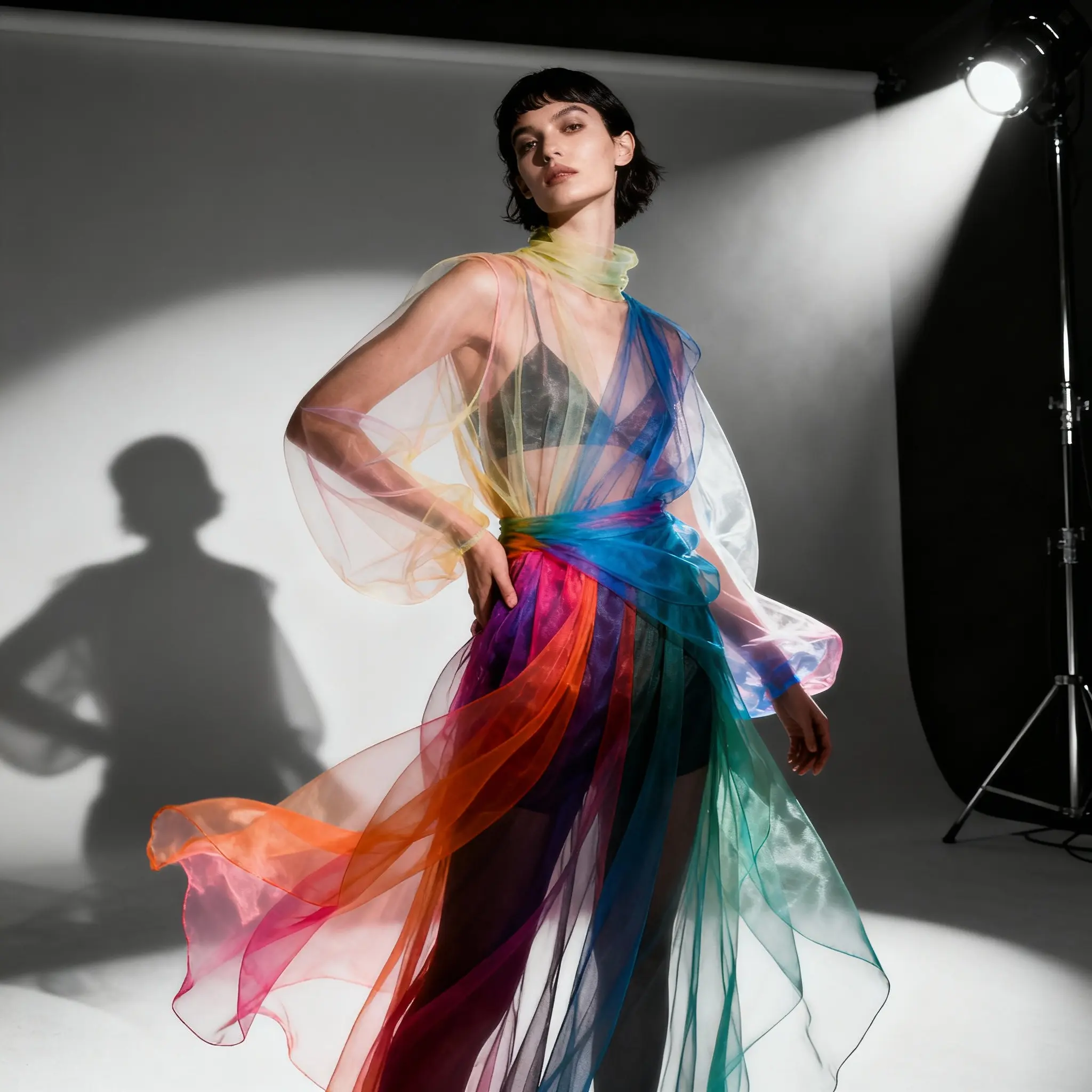
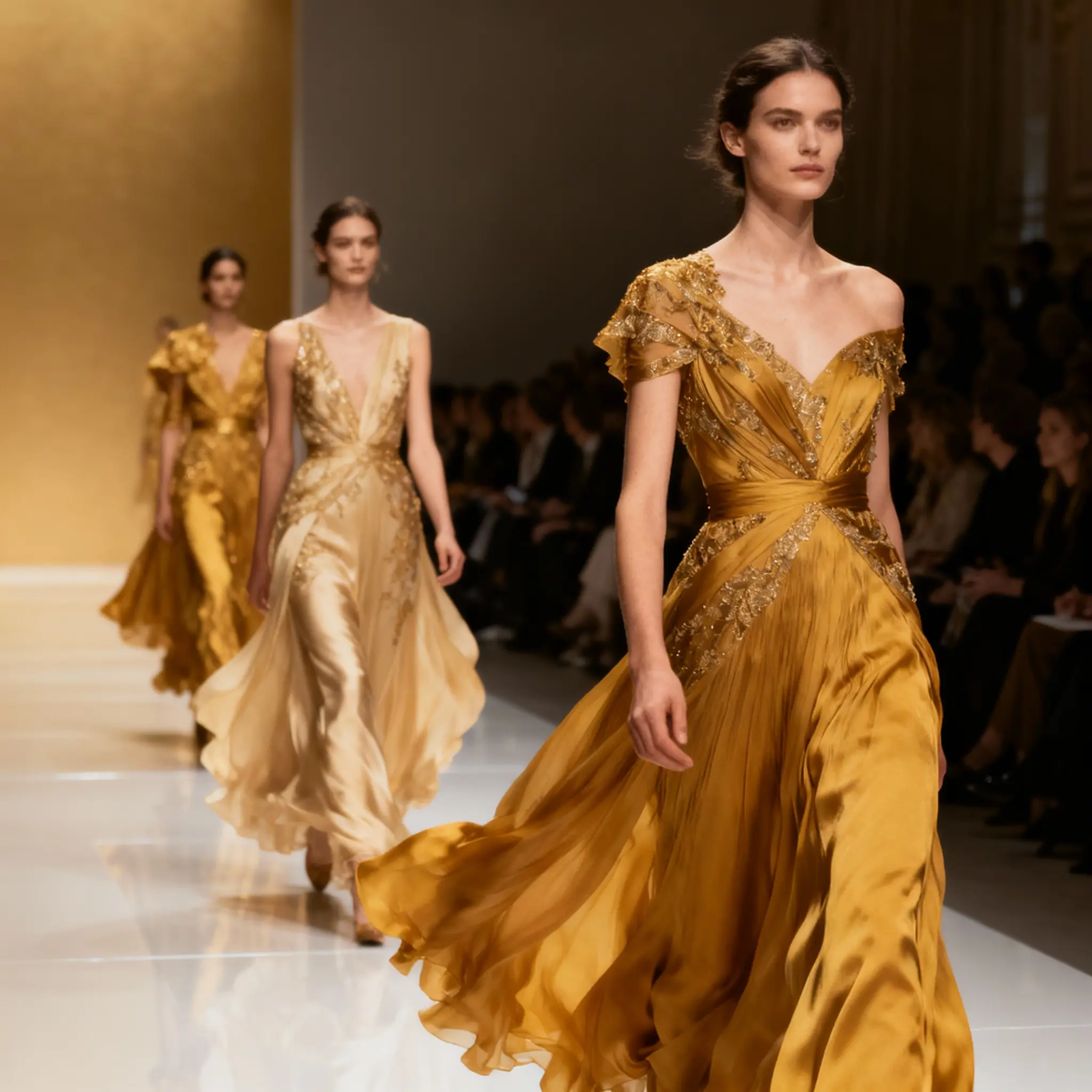
Features
Nano Banana · Creative controls
Describe your idea
Sketch the scene in words: who or what is in it, where it is, and how it should look. A focused description gives a new image a clearer starting point.
Guide with references
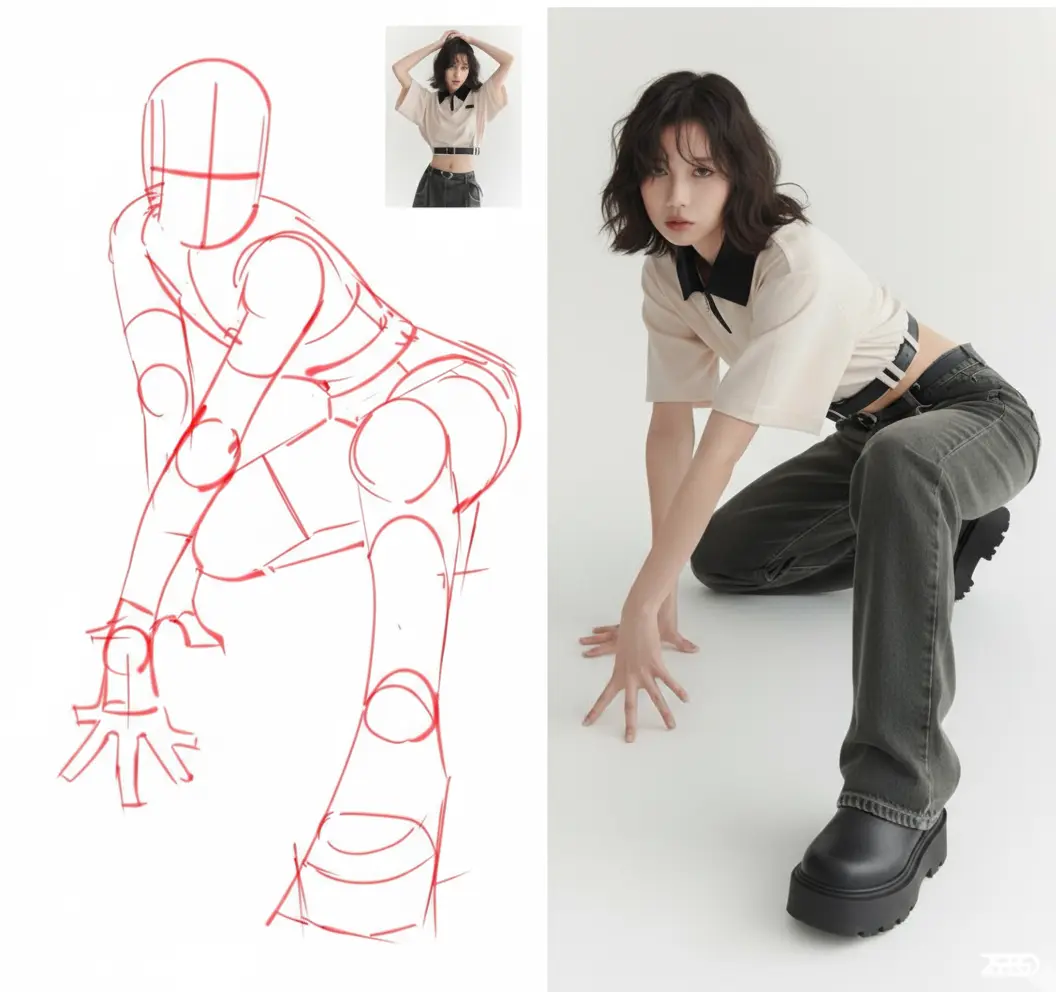
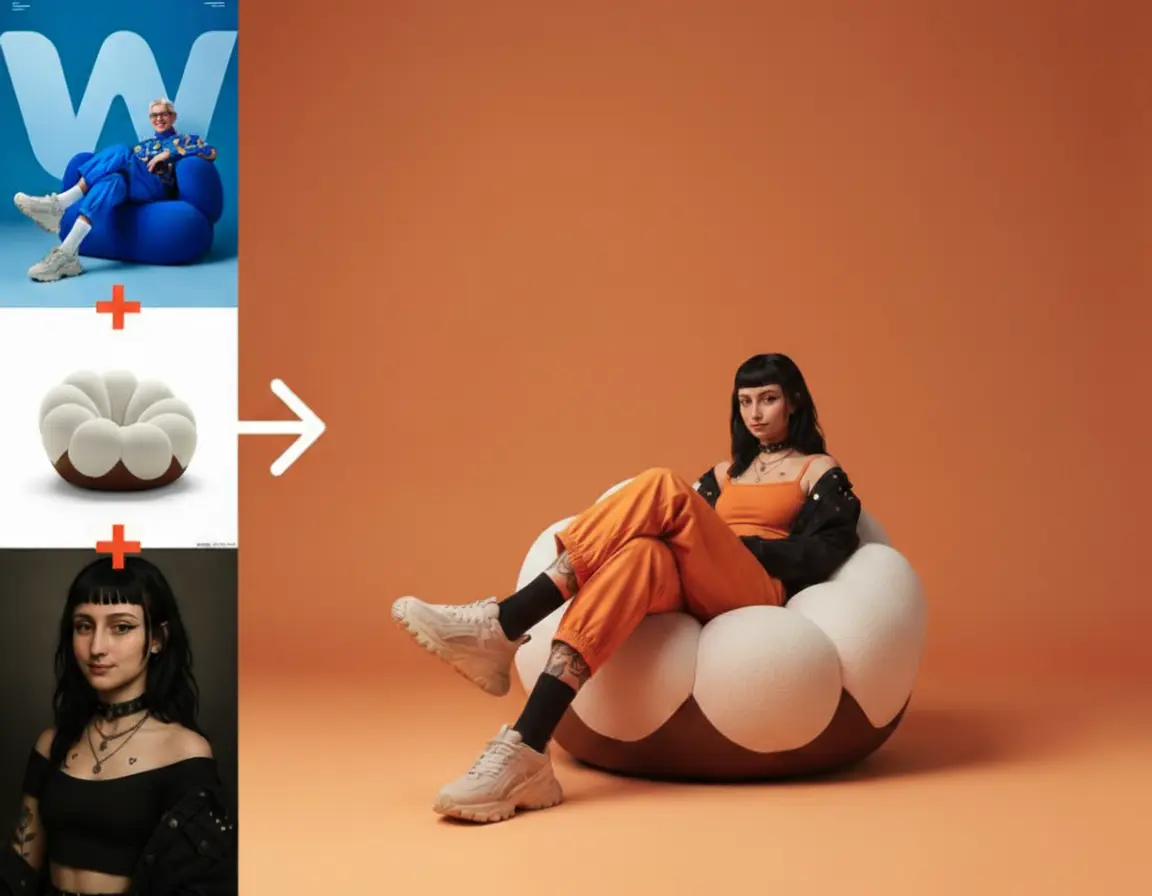
Bring references that explain the subject or visual direction. State which elements to use from each image so competing backgrounds or styles do not obscure your request.
Refine the details
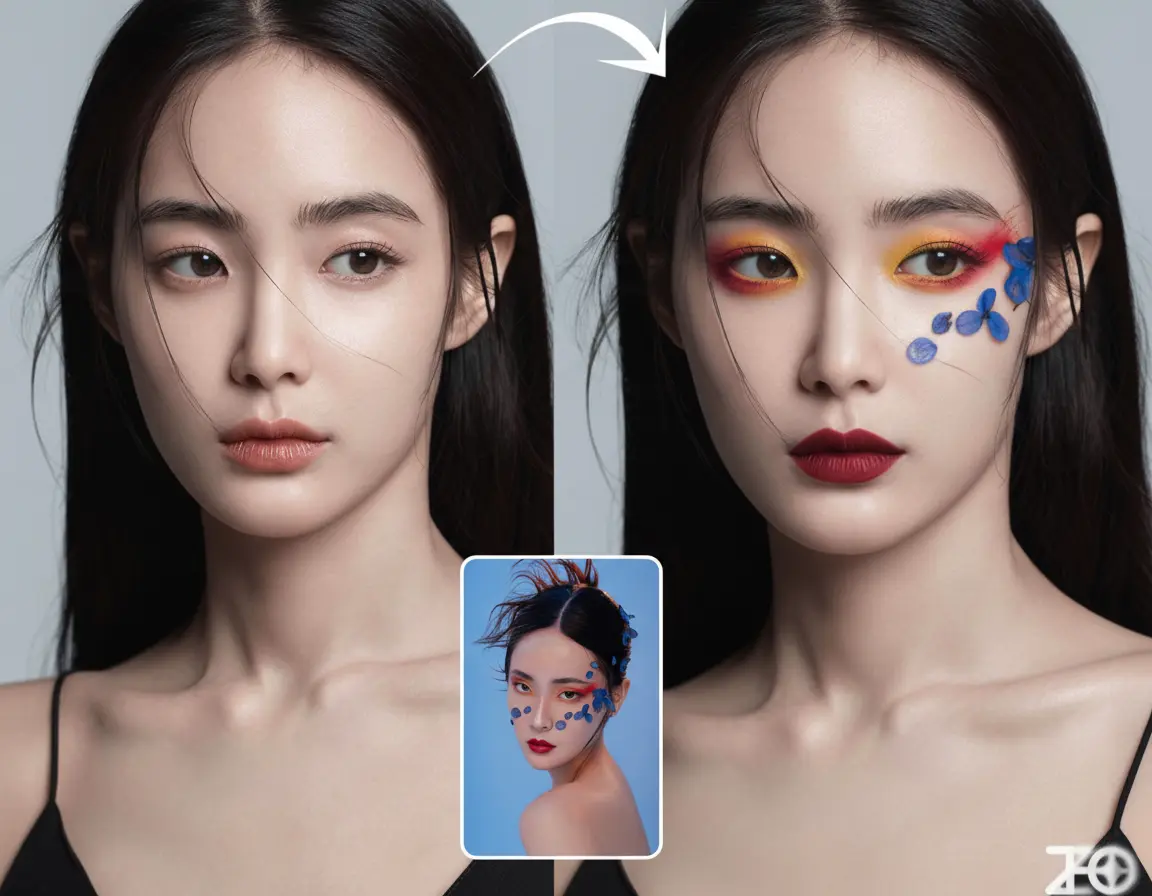
Try a different setting, color, or lighting treatment while asking to retain the important parts of the source. Compare the output with the original to spot unintended changes.
Choose your settings
Pick the available aspect ratio for the intended placement and choose PNG or JPEG output. These settings shape the delivery format; your prompt describes the visual content.
Review and download
Look beyond the overall impression. Check facial features, object shapes, and any lettering before downloading the version you plan to use.
Check the credits
Review the credit amount before submitting. A new generation after an edited brief is another request, so decide what you want to change before trying again.
Nano Banana · Workflow
Make a focused request, compare the result, and decide what to keep for the next version.
Describe your idea
Write the new scene or editing goal. For an edit, separate what should change from what should stay.
Tip: A single clear change is easier to evaluate than several competing directions.
Guide with references
Add the reference images your request needs and explain their roles. Leave out images that do not contribute to the intended result.
Tip: Use a clear source for the subject, especially when identity or product shape matters.
Choose your settings
Choose an available aspect ratio and output format, then confirm the credit cost and submit.
Tip: Check that the format suits the place where you will use the image.
Review and download
Compare the result with the source and brief. Download a suitable version or use it as the starting point for another edit.
Tip: Review faces, lettering, and product details at a useful size before publishing.
Describe your idea
Write the new scene or editing goal. For an edit, separate what should change from what should stay.
Tip: A single clear change is easier to evaluate than several competing directions.
Guide with references
Add the reference images your request needs and explain their roles. Leave out images that do not contribute to the intended result.
Tip: Use a clear source for the subject, especially when identity or product shape matters.
Choose your settings
Choose an available aspect ratio and output format, then confirm the credit cost and submit.
Tip: Check that the format suits the place where you will use the image.
Review and download
Compare the result with the source and brief. Download a suitable version or use it as the starting point for another edit.
Tip: Review faces, lettering, and product details at a useful size before publishing.
Where teams deploy Nano Banana
Use Nano Banana for a specific visual experiment: a portrait treatment, a product setting, or a new cover direction.
Viral 3D figurine selfies
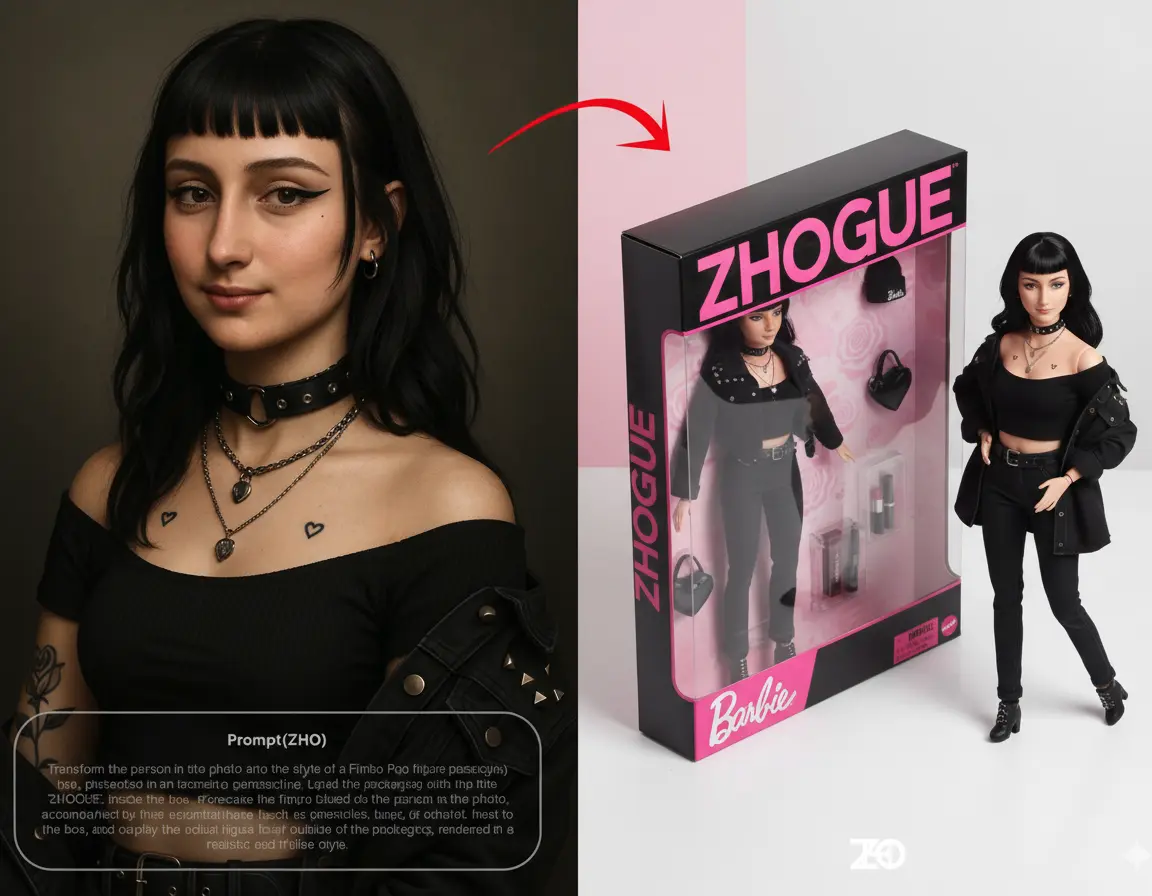
Explore a collectible-style portrait from a photo you are allowed to use. Describe the material, pose, and display setting, then check how the face has changed.
E-commerce product imagery
Try a product against a different background or in a new everyday setting. Keep the item’s defining features in the brief and inspect labels and proportions in the result.
Social media & content creation
Develop a cover or post around an existing visual idea. Change the setting or framing to suit the topic, then check the result at the size your audience will see.
Creative concepting & brainstorming
Turn an early direction into images your team can discuss. Compare a few clearly defined styles or compositions instead of combining every idea into one request.
Explore more models
Nano Banana · Questions before you create
Novavideo is an independent video and image creation platform using third-party AI models. Learn more