
Seedance 2
Seedance 2
Generate videos from text, images, and multimodal references.
Create, edit, and extend cinematic videos in seconds with Novavideo, your all-in-one AI video editor and generator.
AI Models
Choose video models in Novavideo’s AI video editor, or create images for your next scene.
Generate videos from text, images, and multimodal references.
Turn text and images into videos.

Generate and edit images for standalone projects or video references.
Core Features
Use Novavideo’s AI video editor to create new clips, refine existing footage, and extend scenes with prompts and visual references.
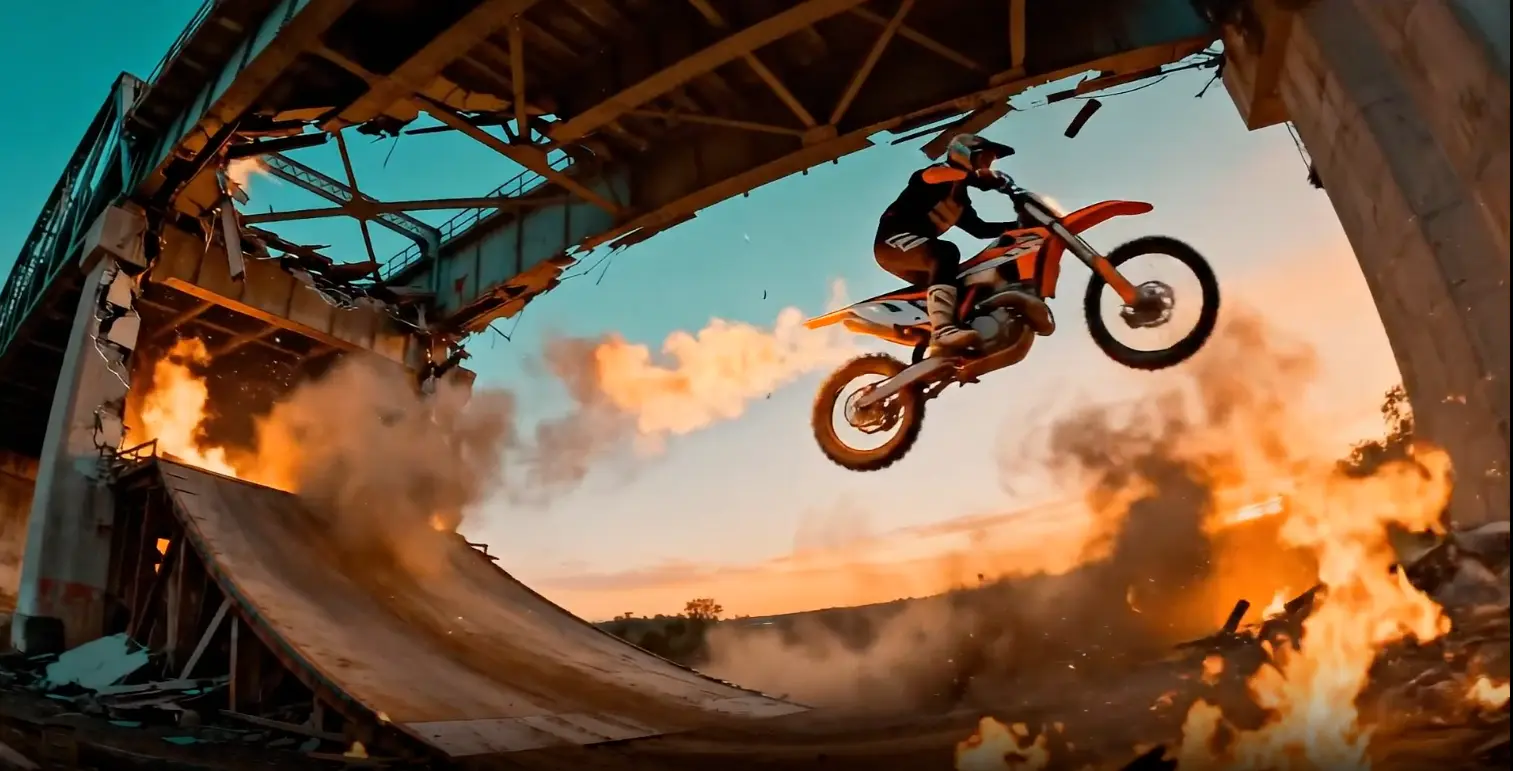
Upload a source video and describe what you want to change or how the scene should continue. Novavideo’s AI video editor uses Seedance 2.5 to support video editing and extension in one workspace.
Source clip: a rider approaching a bridge. Extend it as the bridge collapses in fire and smoke behind him.Edit Your Video
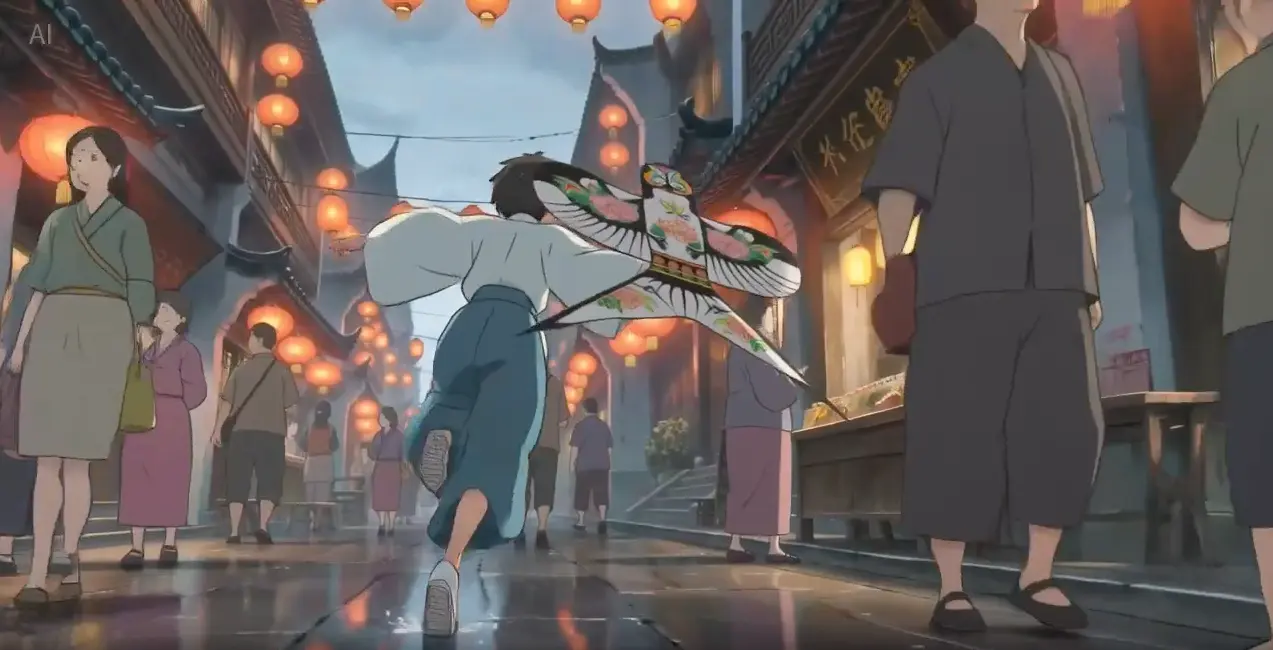
Guide your scene with image, video, and audio references in the AI video editor. Choose a model and mode that support the inputs you need.
Style reference: a Japanese ink-wash painting. Animate a warrior leaping across snow-dusted rooftops as a fan dances behind him.Create with References
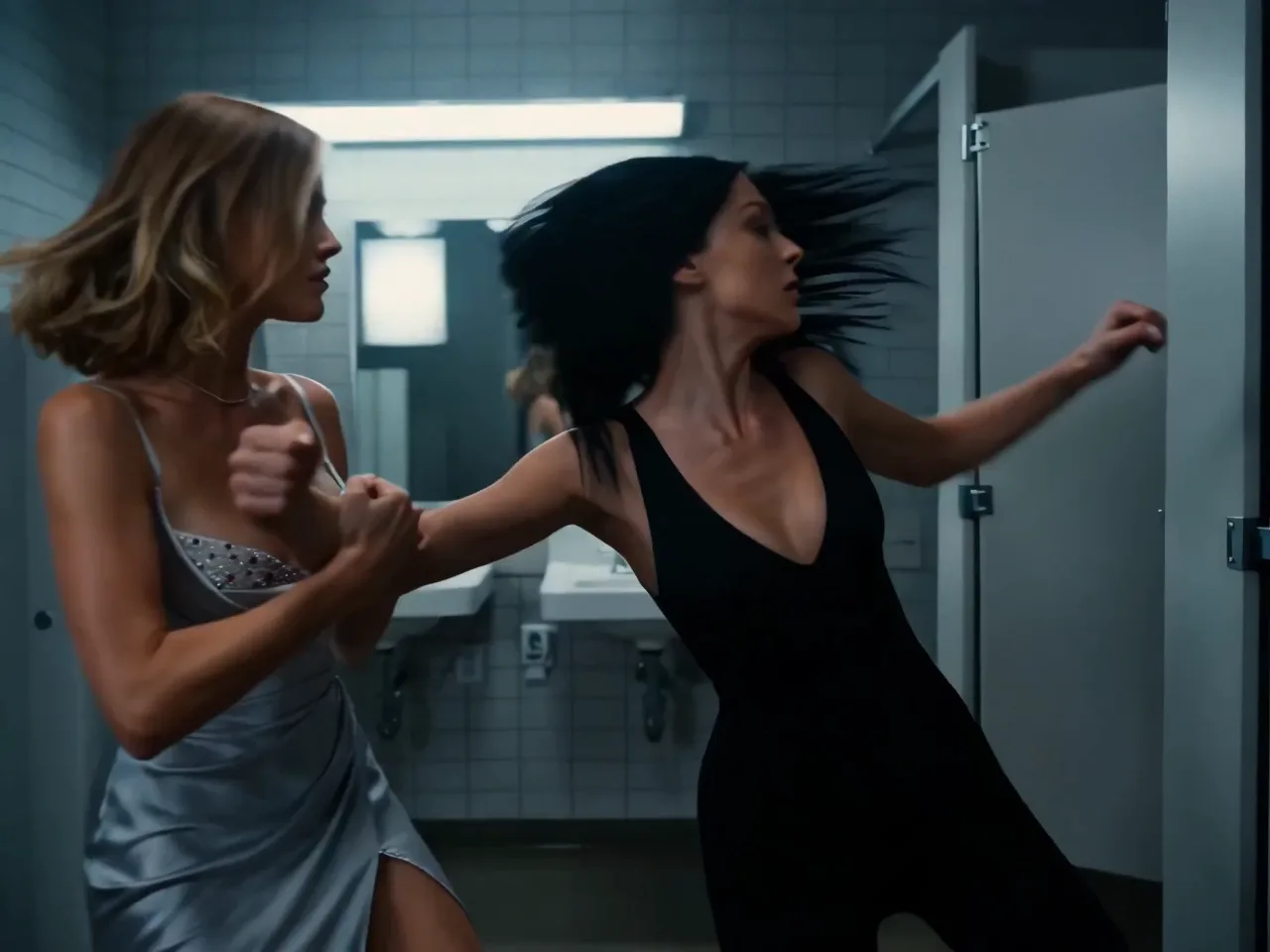
Start with a written idea or animate a still image. Create a clip in the AI video editor, then try editing or extension with a supported model.
Two women face off in a tiled restroom in a cinematic action sequence. Follow their fast exchanges with a moving camera, cool lighting, and natural motion blur.Generate a Video
Model Capabilities
Explore Seedance 2.5 in Novavideo’s AI video editor, with flexible video lengths, multimodal references, and prompt-based editing.

Choose a duration from 4 to 30 seconds with Seedance 2.5. Give a product demonstration, an action sequence, or a short scene more room to develop in a single generation.
Try Seedance 2.5
In the AI video editor, use images to guide appearance, videos to suggest motion, and audio to guide sound. Describe each reference’s role using the inputs your selected mode supports.
Create with References
Upload a source video and describe the changes you want, such as a different setting, lighting, or visual style. Use Novavideo’s AI video editor with Seedance 2.5 to explore a new version of your clip.
Edit Your VideoApplication Scenarios
See how filmmakers, marketers, and creators use Novavideo’s AI video editor to develop scenes, product videos, and creative concepts.

Preview scenes with an AI video editor before your shoot. Turn descriptions and visual references into draft clips, then explore camera movement and creative direction.
Explore Your Scene
Bring product images into motion and explore different settings, actions, and visual styles for your campaign. Use Novavideo’s AI video editor to refine supported clips and develop ideas for ads and product stories.
Create a Product Video
Bring your brief and supported references into the AI video editor. Generate draft clips, try prompt-based changes, and extend selected scenes as your concept develops.
Start Your Next ConceptTestimonials
Explore creator perspectives on video creation and editing with Novavideo.
Carlos Méndez
Social Media Creator
"Novavideo is the best AI video editor I've used for short-form content. Turning an initial idea or still image into engaging clips for TikTok and Reels takes just seconds. It has completely streamlined my daily publishing workflow."
Kenji Nakamura
Game Developer
"As an indie game developer, Novavideo AI video editor is a game-changer for teasers and cutscenes. Being able to guide camera motion with visual references and generate cinematic scenes saves our team weeks of 3D animation work."
Sofia Rossi
Marketing Agency Owner
"Our agency replaced multiple disjointed tools with Novavideo AI video editor. Generating and refining video variations from client product photos using Seedance 2.5 and Veo 3.1 has cut our campaign turnaround time by 60%."
Maya Patel
Digital Marketing Expert
"What makes Novavideo stand out as an AI video editor is prompt-based editing and clip extension. Instead of starting from scratch, I can extend winning ad clips forward or backward and tweak scene details to test new hooks."
Michael Torres
Freelance Designer
"Novavideo AI video editor has transformed my freelance design business. I can convert static client branding and illustrations into motion, using reference images to keep styles completely consistent. It doubled my client offerings."
Alex Rodriguez
Independent Filmmaker
"Novavideo gives creators a true director-level AI video editor. The scene coherence, forward and backward extension, and native sound generation make storyboarding and cinematic pre-visualization feel like shooting on an actual film set."
FAQ
Answers to common questions about creating, editing, and extending videos with Novavideo.
Start Creating
Start with a prompt, an image, or your own footage. Use Novavideo’s AI video editor to generate a new clip or reshape an existing one.
Novavideo is an independent AI video editor and generator that also offers image creation and editing. Novavideo is not affiliated with or operated by OpenAI, Google, ByteDance, or other AI model providers.