
Seedream 4.0
Seedream 4.0
Create images from a prompt or use reference images to guide an edit. Develop product visuals, character studies and assets for your next video.
Usage Requirements
Image Size / Aspect Ratio
Sign in to generate images
AI Image Generator Result
image generation takes 1–3 min. Please don't close this tab.
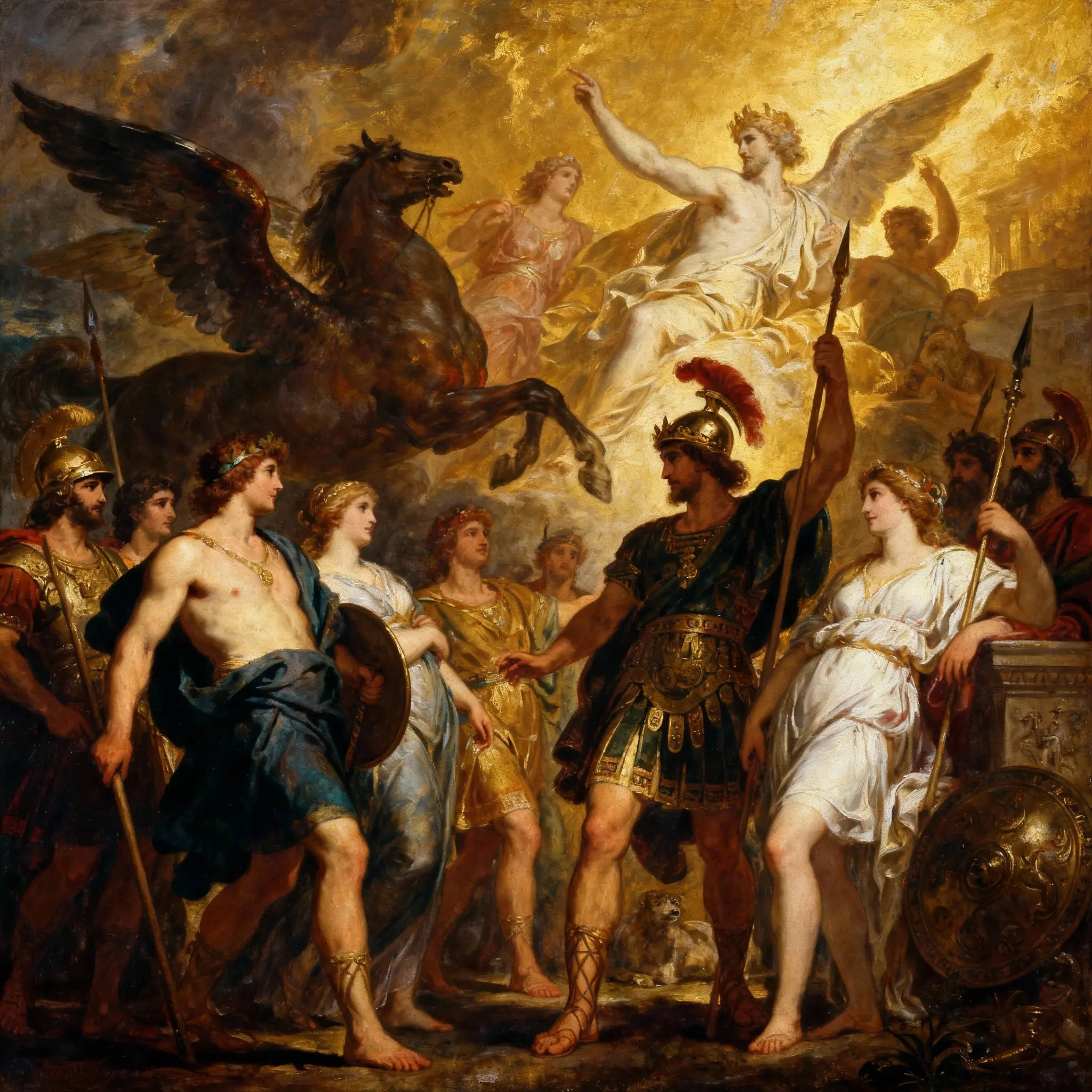
Features
Seedream 4.0 · Creative controls
Create images from a prompt or use reference images to guide an edit. Develop product visuals, character studies and assets for your next video.
Describe your idea
Create images from a prompt or use reference images to guide an edit. Develop product visuals, character studies and assets for your next video.
Guide with references
Use clear reference images and explain which subjects, colors or composition details should carry into the result. Check the upload limits shown in the generator.
Refine the details
Describe a specific change to the subject, background or lighting. Review the new result and use it as a reference for another iteration when needed.
Choose your settings
Choose from the aspect ratios, resolutions and options offered by the current model and mode. Availability can differ between workflows.
Review and download
Preview the result before downloading. Check text, faces, product details and other important elements; another generation may be needed.
Check the credits
Credits depend on the selected mode and options. Check the amount shown on the Generate button before submitting.
Describe your idea
Seedream 4.0 · Workflow
Create images from a prompt or use reference images to guide an edit. Develop product visuals, character studies and assets for your next video.
Describe your idea
Create images from a prompt or use reference images to guide an edit. Develop product visuals, character studies and assets for your next video.
Guide with references
Use clear reference images and explain which subjects, colors or composition details should carry into the result. Check the upload limits shown in the generator.
Choose your settings
Choose from the aspect ratios, resolutions and options offered by the current model and mode. Availability can differ between workflows.
Review and download
Preview the result before downloading. Check text, faces, product details and other important elements; another generation may be needed.
Describe your idea
Create images from a prompt or use reference images to guide an edit. Develop product visuals, character studies and assets for your next video.
Guide with references
Use clear reference images and explain which subjects, colors or composition details should carry into the result. Check the upload limits shown in the generator.
Choose your settings
Choose from the aspect ratios, resolutions and options offered by the current model and mode. Availability can differ between workflows.
Review and download
Preview the result before downloading. Check text, faces, product details and other important elements; another generation may be needed.
Creative controls
Where Teams Use Seedream 4.0
From e-commerce to education, Seedream adapts to every workflow.
E-commerce Product Imaging
Use clear reference images and explain which subjects, colors or composition details should carry into the result. Check the upload limits shown in the generator.
Marketing & Advertising
Describe a specific change to the subject, background or lighting. Review the new result and use it as a reference for another iteration when needed.
Concept Art & Design
Create images from a prompt or use reference images to guide an edit. Develop product visuals, character studies and assets for your next video.
Educational & Informational
Preview the result before downloading. Check text, faces, product details and other important elements; another generation may be needed.
Creative controls
Seedream 4.0 · Creative controls
Guide with references
Use clear reference images and explain which subjects, colors or composition details should carry into the result. Check the upload limits shown in the generator.
Choose your settings
Choose from the aspect ratios, resolutions and options offered by the current model and mode. Availability can differ between workflows.
Review and download
Preview the result before downloading. Check text, faces, product details and other important elements; another generation may be needed.
Creative controls
Explore more models
Choose from the aspect ratios, resolutions and options offered by the current model and mode. Availability can differ between workflows. Use clear reference images and explain which subjects, colors or composition details should carry into the result. Check the upload limits shown in the generator.
Seedream 4.0
Strengths
- Create images from a prompt or use reference images to guide an edit. Develop product visuals, character studies and assets for your next video.
- Use clear reference images and explain which subjects, colors or composition details should carry into the result. Check the upload limits shown in the generator.
Limitations
- Preview the result before downloading. Check text, faces, product details and other important elements; another generation may be needed.
- Credits depend on the selected mode and options. Check the amount shown on the Generate button before submitting.
Best For
Describe a specific change to the subject, background or lighting. Review the new result and use it as a reference for another iteration when needed.
Nano Banana 2
Strengths
- Create images from a prompt or use reference images to guide an edit. Develop product visuals, character studies and assets for your next video.
- Use clear reference images and explain which subjects, colors or composition details should carry into the result. Check the upload limits shown in the generator.
Limitations
- Preview the result before downloading. Check text, faces, product details and other important elements; another generation may be needed.
- Credits depend on the selected mode and options. Check the amount shown on the Generate button before submitting.
Best For
Describe a specific change to the subject, background or lighting. Review the new result and use it as a reference for another iteration when needed.
Nano Banana Pro
Strengths
- Create images from a prompt or use reference images to guide an edit. Develop product visuals, character studies and assets for your next video.
- Use clear reference images and explain which subjects, colors or composition details should carry into the result. Check the upload limits shown in the generator.
Limitations
- Preview the result before downloading. Check text, faces, product details and other important elements; another generation may be needed.
- Credits depend on the selected mode and options. Check the amount shown on the Generate button before submitting.
Best For
Describe a specific change to the subject, background or lighting. Review the new result and use it as a reference for another iteration when needed.
Preview the result before downloading. Check text, faces, product details and other important elements; another generation may be needed.
Explore more models
Questions before you create
Seedream 4.0 · Questions before you create
Disclaimer
NovaVideo.ai is an independent AI platform for video and image creation. NovaVideo.ai is not affiliated with, endorsed by, or sponsored by OpenAI, Google, ByteDance, or any other AI model provider. Model names and trademarks belong to their respective owners.